 Kerwise
Keep office chat working when the Internet goes down
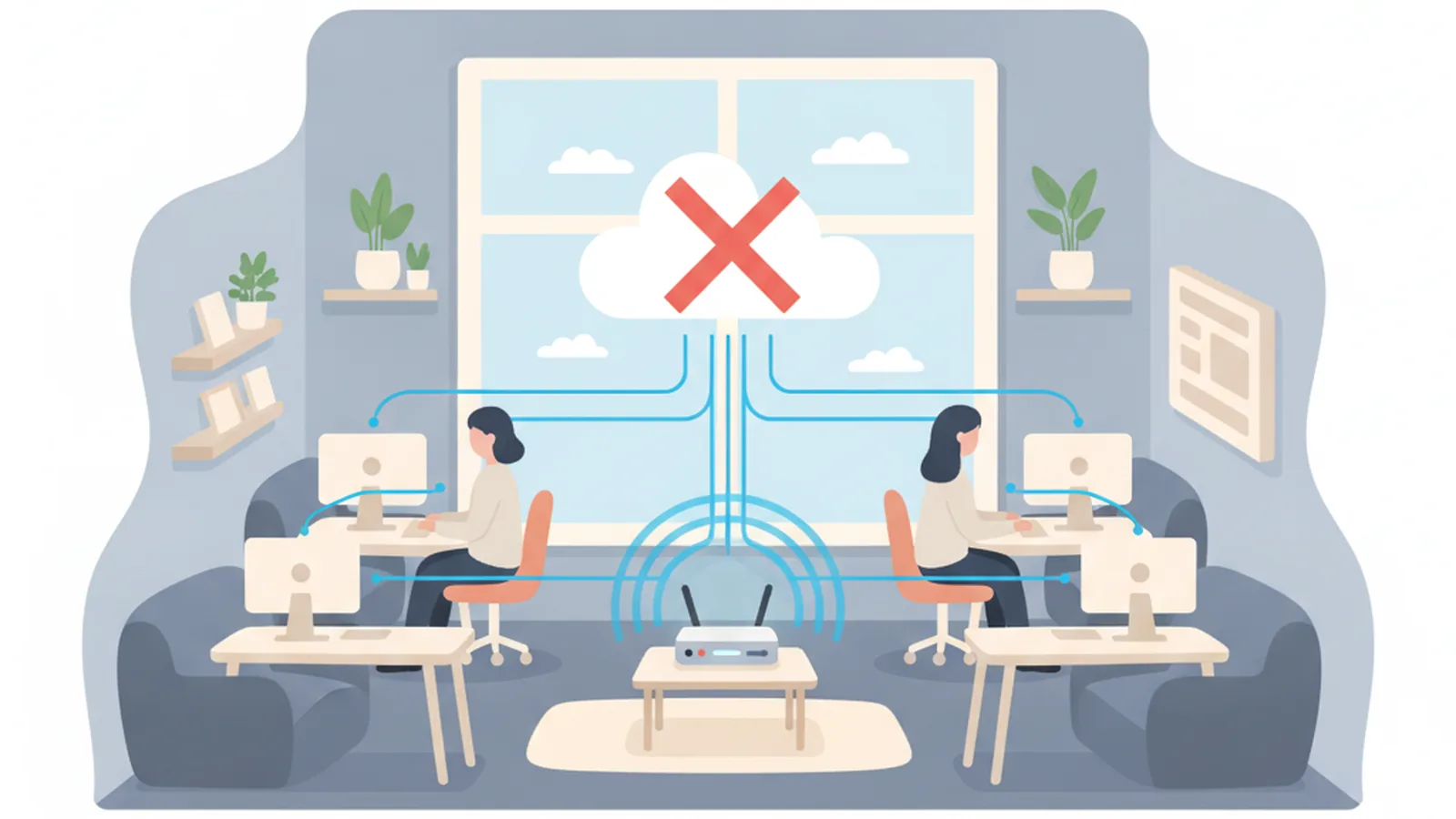
The Internet goes down, and suddenly your office cannot talk to each other, even though everyone sits within shouting distance. It does not have to be that way.
Why chat stops when the line drops
Most chat tools send every message to a server far away and back again. When the Internet is gone, the road is gone. If the messages stay inside your own network instead, the road never leaves the office.
- Chat one-to-one between computers on the same network.
- Send files and photos straight from one computer to another.
- Make voice and video calls, and share your screen.
Three steps to try it today
- Install Kerwise LAN Workspace on two computers on the same network.
- Open the app on both. They find each other, with no account to create and no password.
- Write a message, send a file, start a call.
When you need more than a few computers
For a bigger team, create a Workspace: one computer stays on as the internal server and everyone joins with an invite code. Messages wait on the internal server, so people receive them even after the sender has shut down their computer. The internal server uses the Internet only to check the Workspace license, so daily work does not depend on it.